
What it is
When you're on an upper floor, the floor below shows through as a faint ghost. It's there so you can draw on top of it: trace the outside walls first, then put the upstairs walls over the downstairs ones.
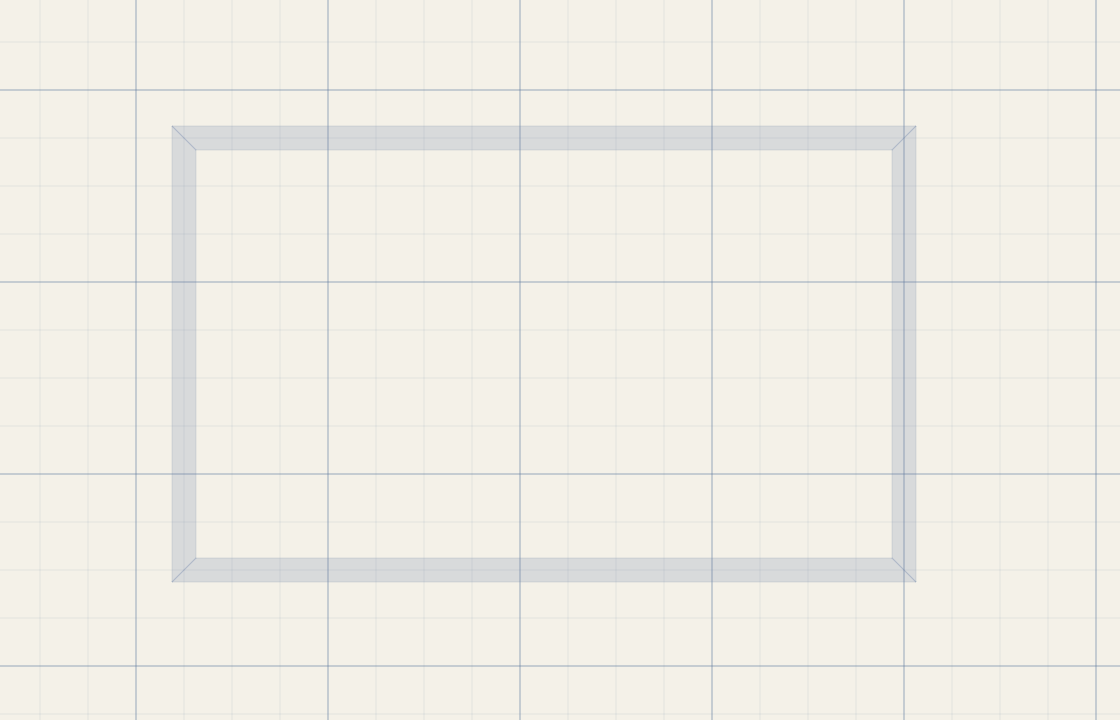
On the basement, the ghost is the ground floor above it.
Turn it on and off
Click Underlay in the bar at the bottom. It's on to start with. The button only appears when there's a floor to show.

While it's on, a slider next to it sets how strong the ghost is, from 5% to 50%.
Things to know
- The ghost is only a picture. You can't click it or change it from here. Go to that floor to change it.
- Snapping doesn't catch the ghost, only walls on the floor you're on. The grid still snaps, and walls drawn on the grid downstairs line up with the grid upstairs, so drawing on the grid is the easy way to stack them.