
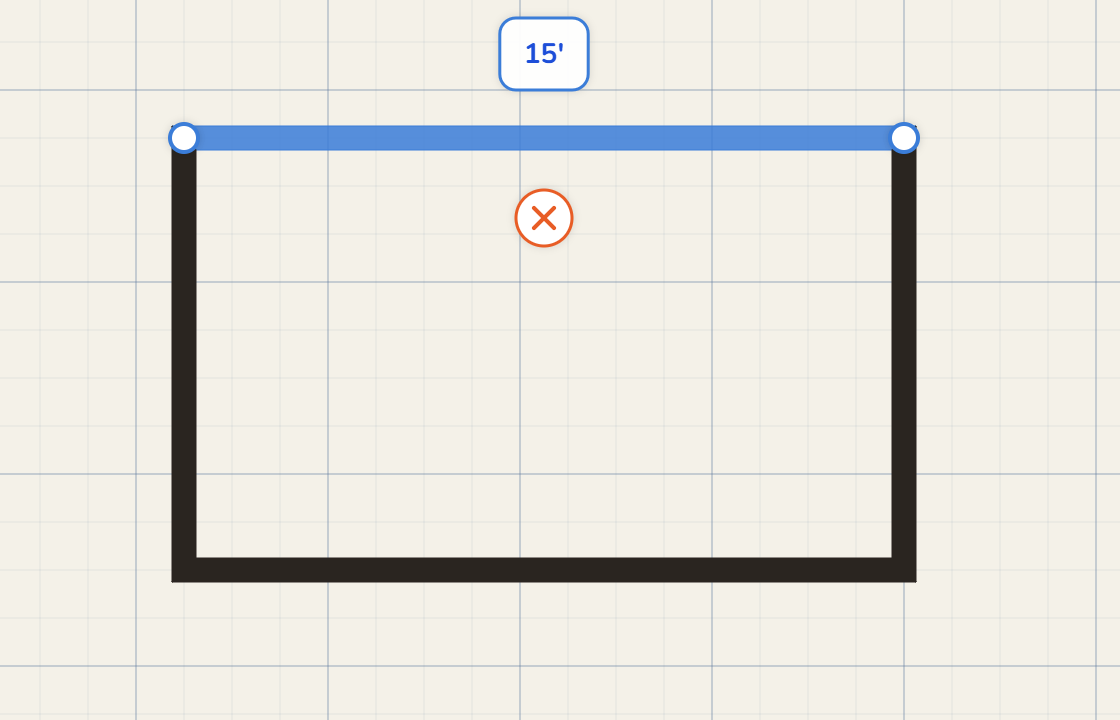
Click a wall to select it. It shows round handles, a length, and a ✕.
Move an end
Drag the round handle at either end. With Snap on, the end catches on other walls and the grid.
Push the whole wall in or out
Drag the middle of the wall. With Ortho on, a straight wall moves straight out from itself, so the room gets wider or deeper and the corners stay square.
Type an exact length
Click the length shown on the wall, type the length you want, and press Enter. Walls joined to it follow along.
Bend it into a curve
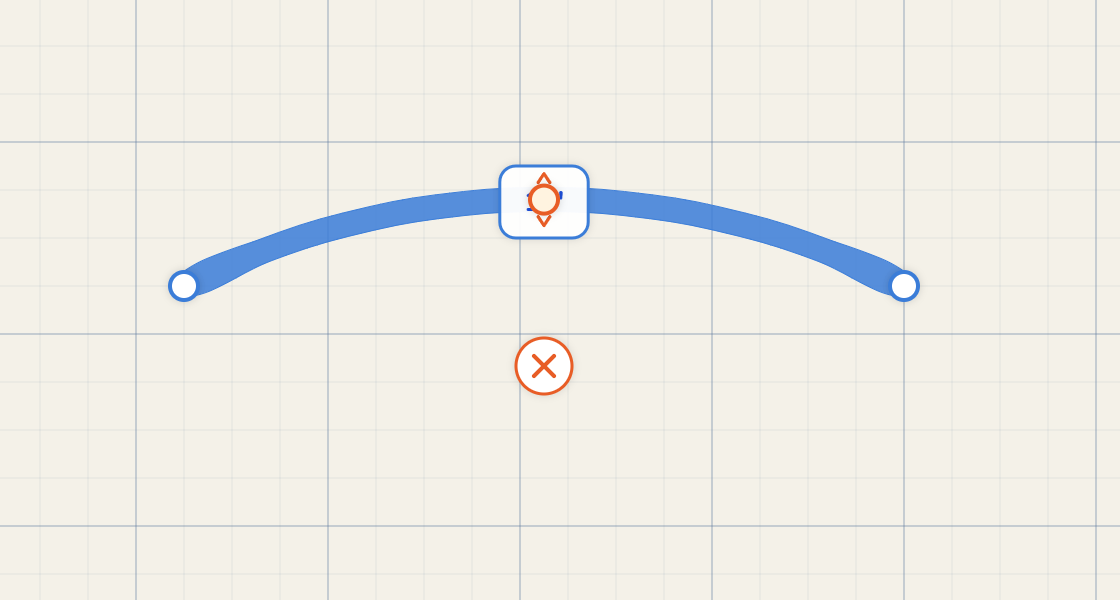
A selected wall has a handle in its middle. Drag it sideways and the wall bows into a curve. Drag it back to straighten it. Doors and windows in a curved wall follow the curve.
Delete it
Click the ✕, or press Delete. Doors and windows in the wall go with it.
Every one of these is undoable with Ctrl+Z, or ↩ on the right rail.